
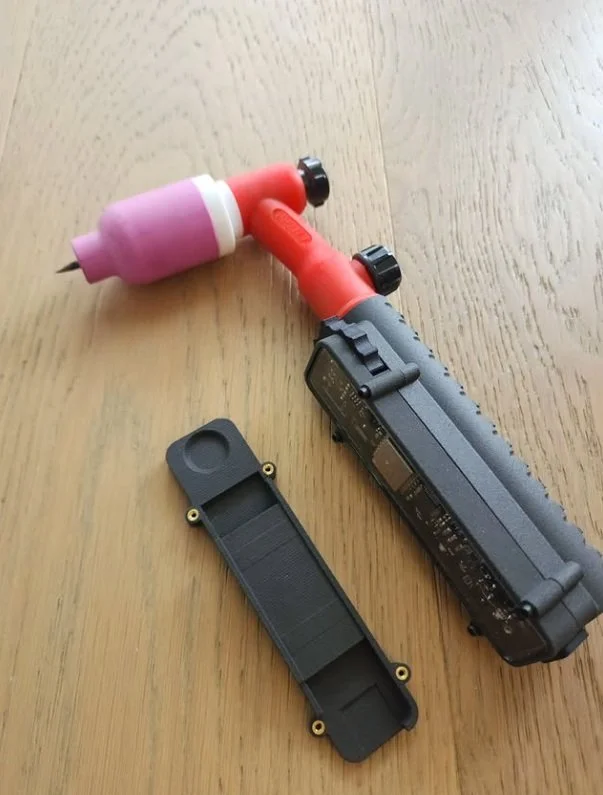
 Image 1 of 5
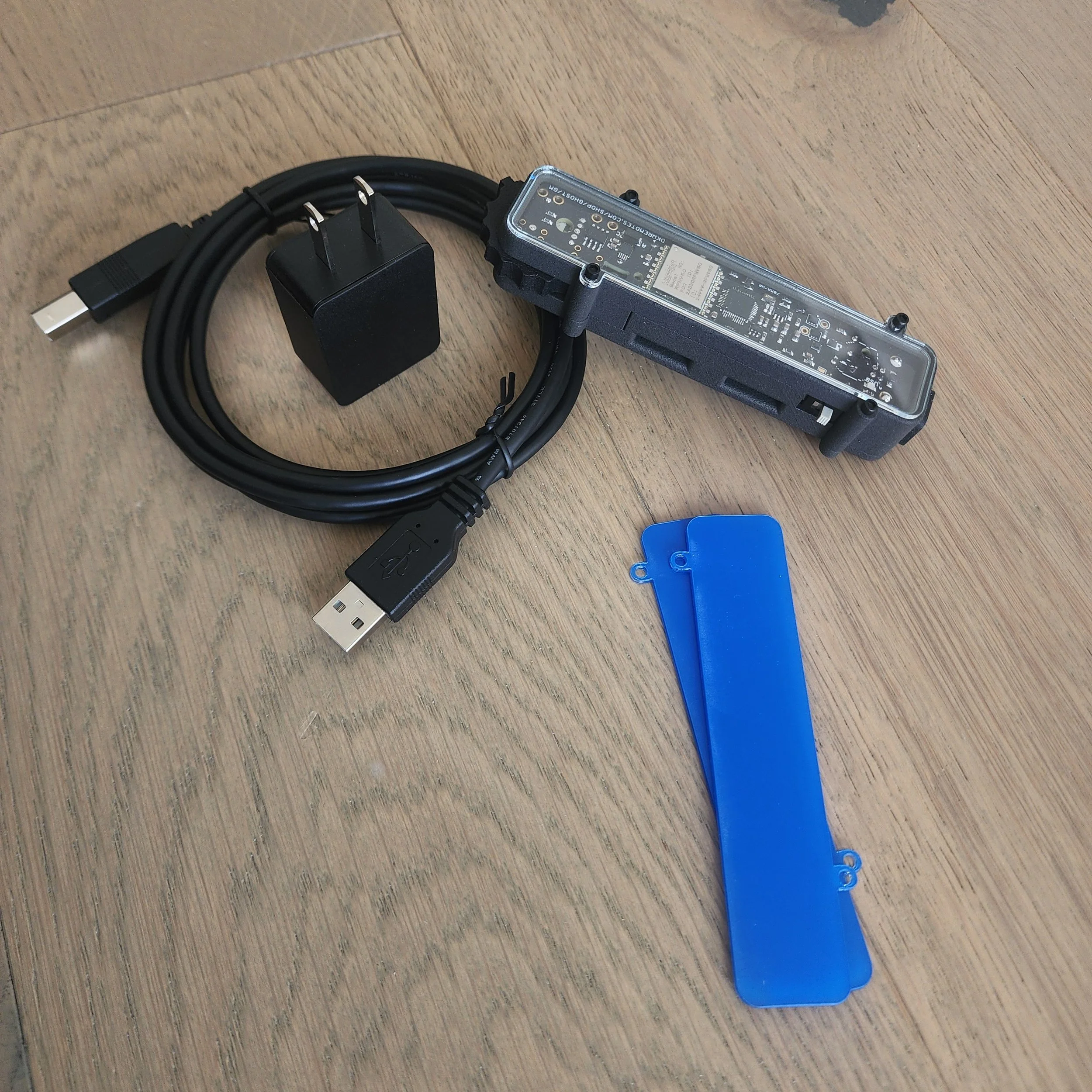 Image 2 of 5
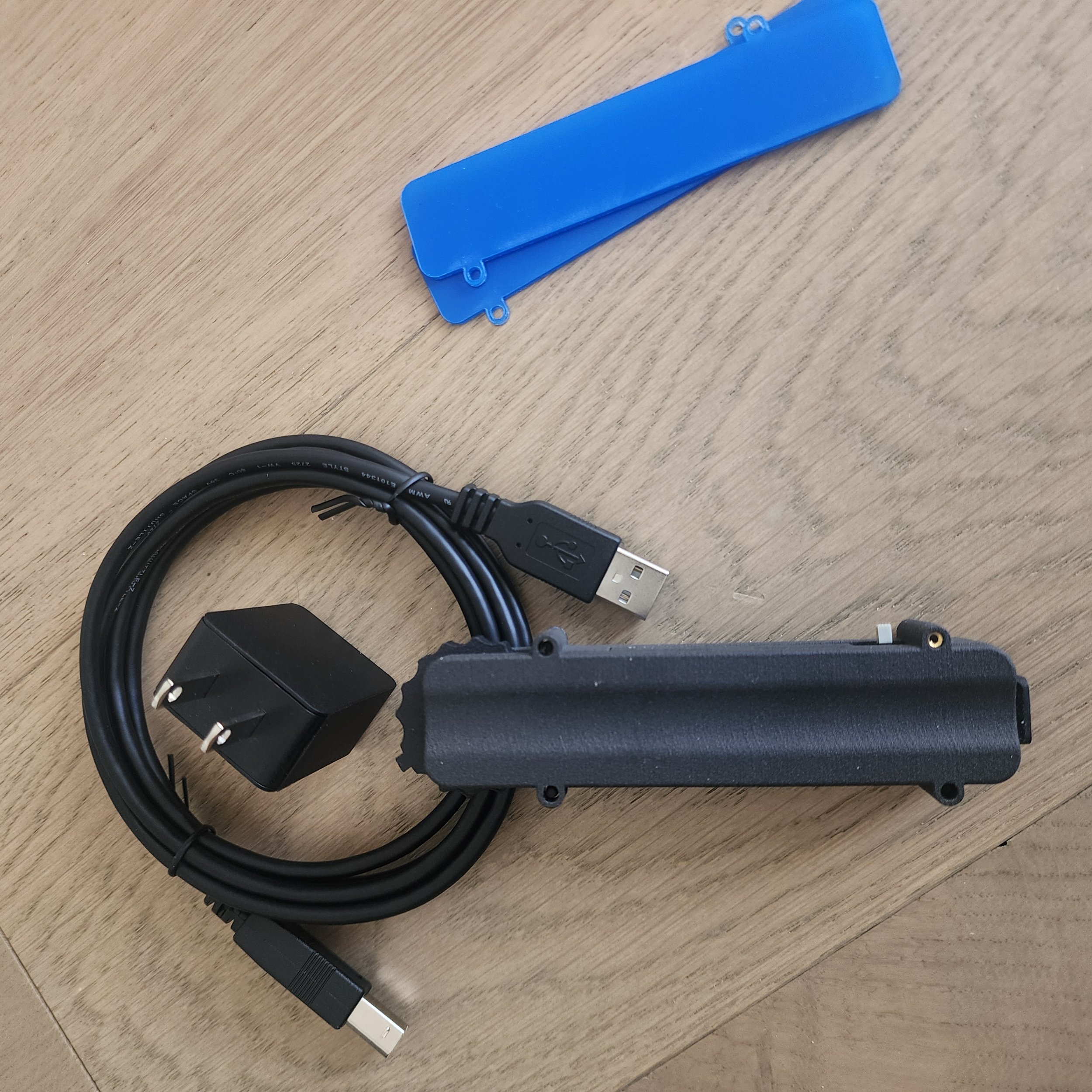 Image 3 of 5
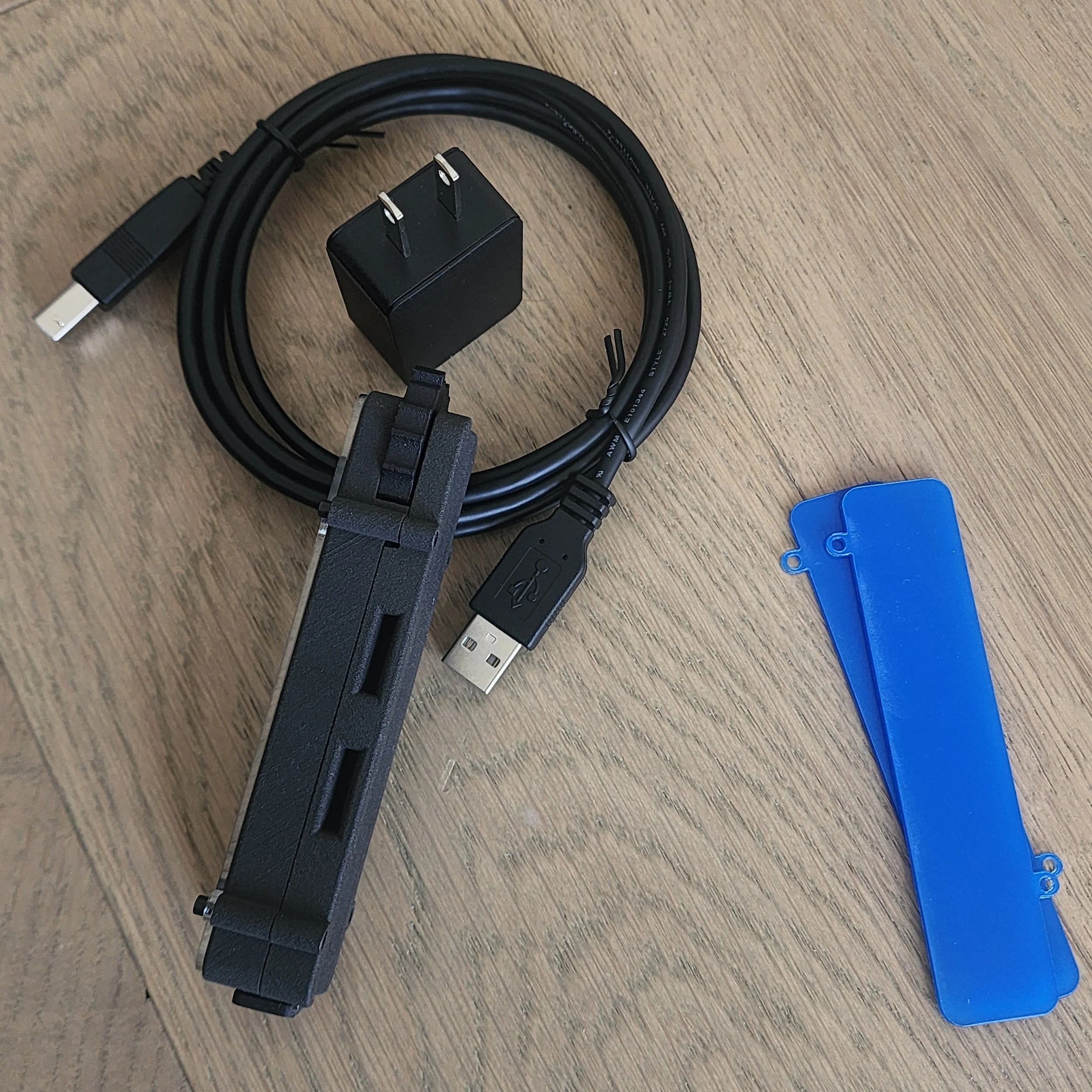 Image 4 of 5
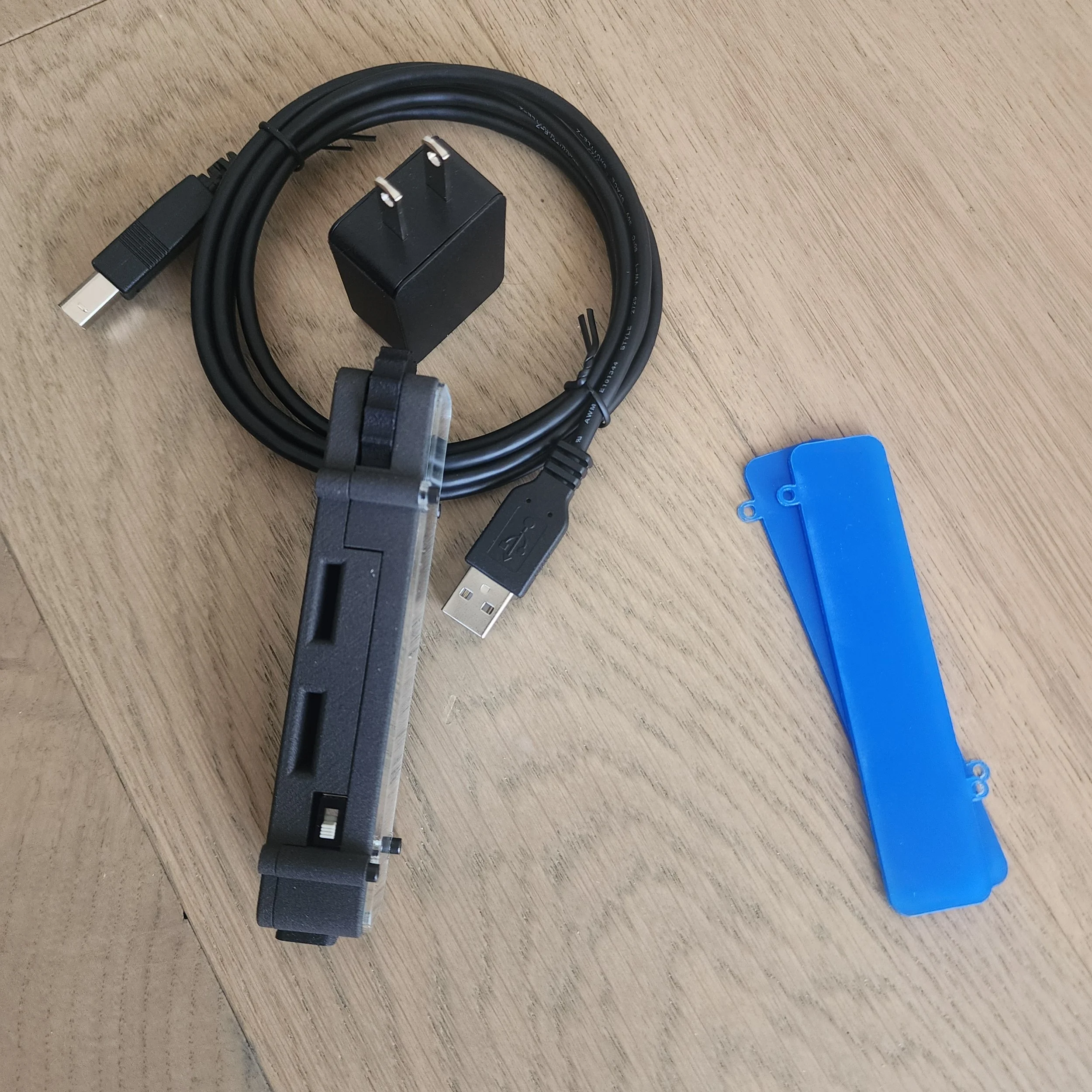 Image 5 of 5
Dated August 23, 2026: Just a reminder. No duties or import taxes are paid by the customer. While our products are covered by the USMCA trade deal, they are not affected by the recent section 232 and section 338 tariffs. We ship through CANADA POST / USPS.. What that does is it makes us pay up front through an app any fees or duties so our customers don’t have to. It’s a lesser evil so there are no surprises on your end.
The All New Thumbwheel Gamechanger Module. This unit was designed in all aspects from the ground up for one purpose, to effectively relay your desired amps to your welding machine.
It is a all in one micro-processing unit. It’s size is about 4 inches by one inch wide, 0.75” high. Curved on the bottom to mate to a rounded handle. Has a thumbwheel, audio buzzer, and haptic vibrational motor for tactile feedback. on off switch, USB port for UF2 flashing of code for updates.
Comes With:
Gamechanger Module Board
Lower Body
Upper Body (solid cover)
Charge Port Cover
Charge Block
Charge/Date cord
Allen Key 5/64”
Features include:
Unit has min and max constrain which lets you refine your amp sweep.
Can be put into repeater mode to redirect a hand remote signal.
Rechargeable batteries at a rate of 100ma/hr
Haptic Vibration Motor
Audio Piezo Buzzer
Allen Key to replace the lower assembly and screen protectors.
Video to come explaining and demonstrating the sub menu and functions but let me type out instructions here in the interim.
PROGRAM_CALIBRATION: In order for the thumbwheel which is one way long range to send the appropriate value, it must be calibrated to the calibration at hand. To do that: (I will make a video in November)
Ensure the hand remote is off. And, the receiver is a fresh boot up.
Turn the gamechanger module on and turning it off before the buzzer ends the song a total of ten straight ten times.
Let it bootup on the eleventh turn on. It will play a song and buzz ten times.
At this point, turn on your hand remote while holding the down button.
Now rotate your hand remote dial from max to min slowly repeating. What is happening is the gamechanger module is listening to those numbers. And, it will be storing the highest number it hears and the smallest number. When it receives a new number to store, it will beep. Once the beeping no longer occurs, it is safe to say that the gamechanger module has stored the min and max calibration.
Turn off everything for good measure. Turn on your receiver, wait ten seconds, turn on your hand remote, wait five seconds, turn on your gamechanger module. Now, the hand remote will display the scroll “GM READOUT” It’s sole job will be to readout the value your gamechanger module is on as the module will send the signal directly to the receiver.
REPEATER_MODE: In order to put the gamechanger module into repeater mode, one must do the following:
Ensure the hand remote is off. And, the receiver is a fresh boot up.
Turn the gamechanger module on and turning it off before the buzzer ends the song a total of four straight times.
Let it bootup on the fifth turn on. It will play a song and buzz four times. It will send a signal to the receiver
Now, bootup your hand remote (not holding the down button at startup)
The signal will now go from hand remote to gamechanger module and receiver. Should the gamechanger module hears the signal, it will relay it to the receiver.
To end this arrangment, turn of all units.
SYNC_FR_MODE: In order to put the gamechanger module into channel search, one must do the following:
Ensure the hand remote is off. And, the receiver is a fresh boot up.
Turn the gamechanger module on and turning it off before the buzzer ends the song a total of two straight times.
Let it bootup on the third turn on. It will buzz two times.
It will beep 26 times for a pre setup
It will then beep slower and check each channel.
When done, it will control the receiver.
CONSTRAIN_DIAL_MODE: In order to put the gamechanger module into channel search, one must do the following:
Ensure the hand remote is off. And, the receiver is a fresh boot up.
Turn the gamechanger module on and turning it off before the buzzer ends the song a total of eight straight times.
Let it bootup on the ninth turn on. It will buzz eight times.
You have ten seconds to put your dial at the low position. It will beep twice.
You have ten seconds to put your dial at the high position. It will beep twice.
That’s it.